Preif of HTML and CSS
-
Process and Design
-
1- Site Map
The aim is to create a Site Map of the pages that will be used to structure the site. figure1 show the example of Site Map

- figure1 : Example of Site Map
-
2- WireFrames
A wireframe is a simple sketch of the key information that needs to go on each page of a site. It shows the hierarchy of the information and how much space it might require. Figure2 is show example of WireFrames
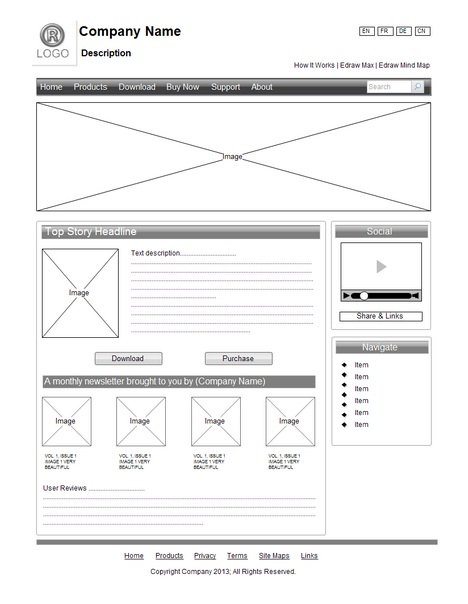
- Figure2:Example of WireFrames
-
3- Visual Design
The primary aim of any kind of visual design is to communicate. Organizing and prioritizing information on a page helps users understand its importance and what order to read it in.The Visual hierarchyand Design NaVigation are Examples of Visual Design
-
Visual hierarchy
You can use contrast to create a visual hierarchy that gets across your key message and helps users find what they are looking for.
- Visual hierarchy Components 1- Size 2- Color 3- Style
-
Designing Navigation
Site navigation not only helps people find where they want to go, but also helps them understand what your site is about and how it is organized.Good navigation tends to follow these principles. 1- Concise 2- Clear 3- Selective

-
-
Structure
- HTML Languege describes the structure of pages
- HTML uses elements to describe the structure of Pages. the elements of HTML called Tags ex <P></P>.
- Attributes tell more about elements. example <p lang="en-us">Paragraph in English</p>
- HTML Structure show in figure bellow
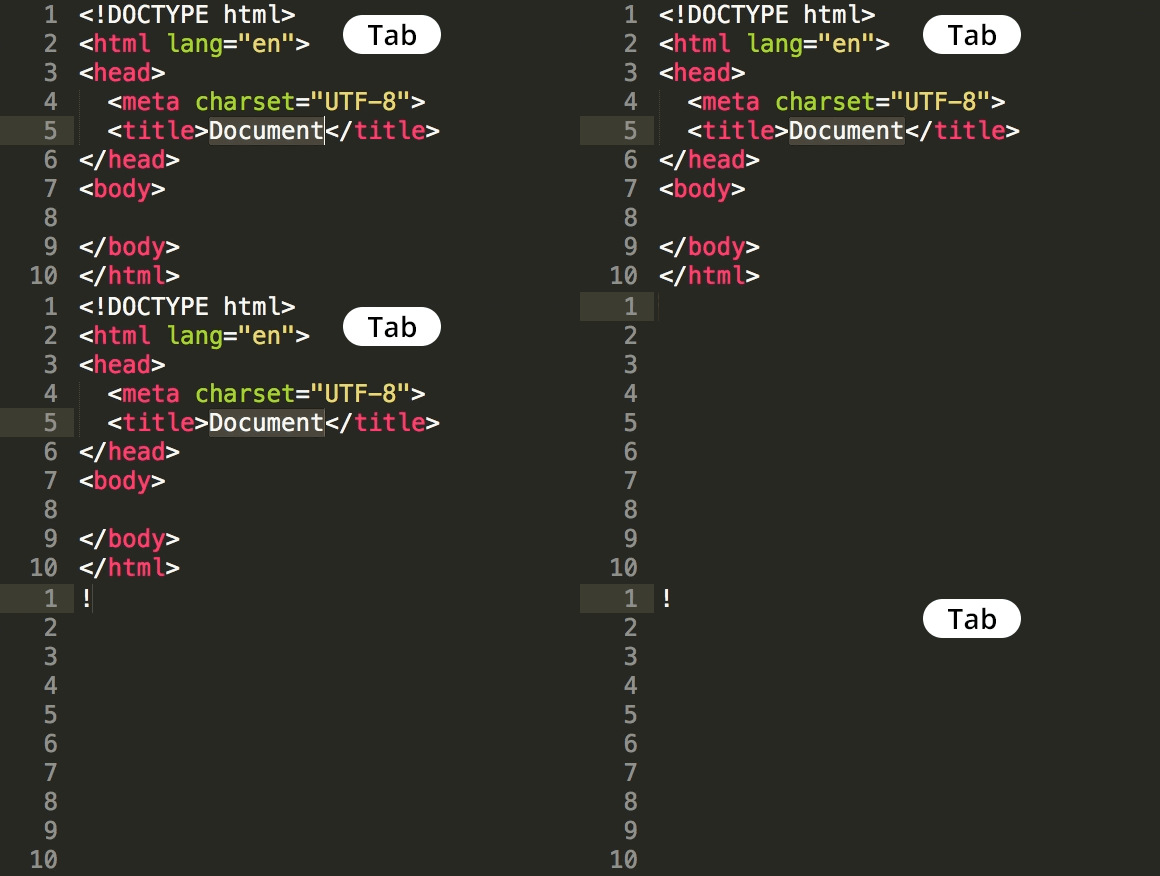
- the tools to write html code is text editor or online editor *To learn more about HTML visit W3Schools website
-
HTML5 Layout
-
Traditional HTML Layouts
- web page authors used <div> elements to group together related elements
- Authors used class or id attributes to indicate the role of the <div> element in the structure of the page.

-
New Html5 Layout Elements
- HTML5 introduces a new set of elements that allow you to divide up the parts of a page. The names of these elements indicate the kind of content you will find in them. They are still subject to change, but that has not stopped many web page authors using them already.
- figre below show html5 layout elements

- The new HTML5 elements indicate the purpose of different parts of a web page and help to describe its structure.
- The new elements provide clearer code (compared with using multiple <div> elements).
- Older browsers that do not understand HTML5 elements need to be told which elements are block-level elements.
- To make HTML5 elements work in Internet Explorer 8 (and older versions of IE), extra JavaScript is needed, which is available free from Google.
-
-
Extra MarkuP
- DOCTYPES tell browsers which version of HTML you are using.
- You can add comments to your code between the markers.
- The id and class attributes allow you to identify particular elements.
- The <div> and elements allow you to group block-level and inline elements together.
-
cut windows into your web pages through which other pages can be displayed. - The tag allows you to supply all kinds of information about your web page.
- Escape characters are used to include special characters in your pages such as <, >, and ©.